Multimodal references
Seedance 2.5
Organize product, person, movement and sound references into a connected story.
Learn moreSeedance 2.5

Upload images, describe your idea, or add references. Let AI create scenes, camera moves, and sound.
Eight ways to showcase a product. Find a direction, edit the prompt and make it yours.
From a first impression to a closer look, build content around your product.

Product photo
Product showcase
Upload product images and describe materials, scenes and camera moves. Create launches, detail shots and product hero films.
Social commerce
Use people, everyday scenes and close-up details to explain a selling point for Amazon, Shopify or TikTok.
Product demos
Organize unboxing, first use and key actions into clear scenes for introductions, tutorials and feature explanations.
Creative variations
Try different openings, scenes, camera moves and performances to compare selling points and content directions.
One product · Four creative directions
Prepare your references, describe the idea and create your product video.
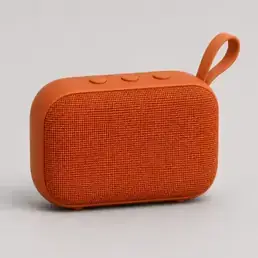

Add product photos, with optional person images or a reference video to guide the idea.
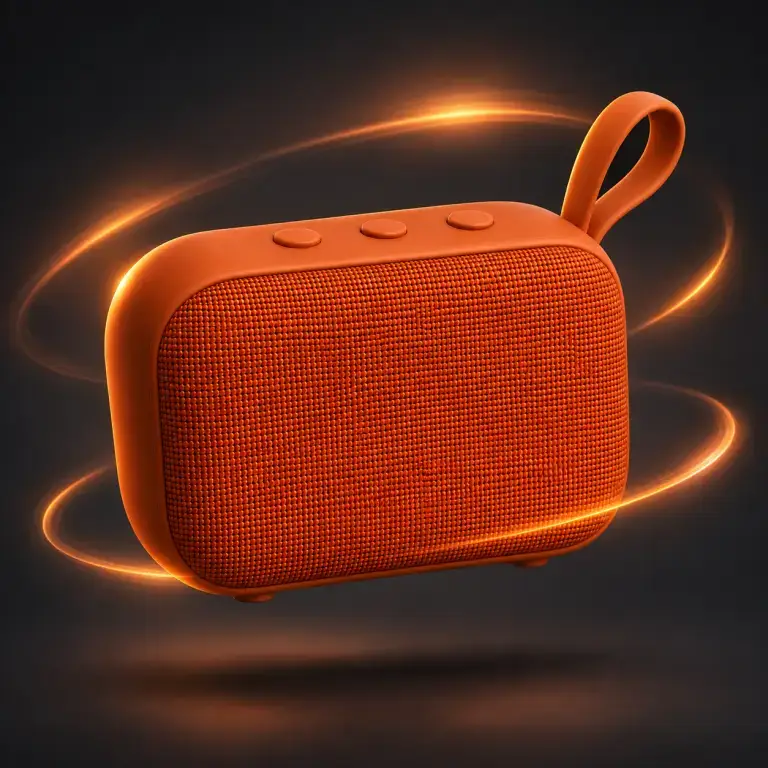

Preview the result, check your product details and continue adjusting the prompt or supported edits.
Make it easier to start creating, and easier to keep content fresh.
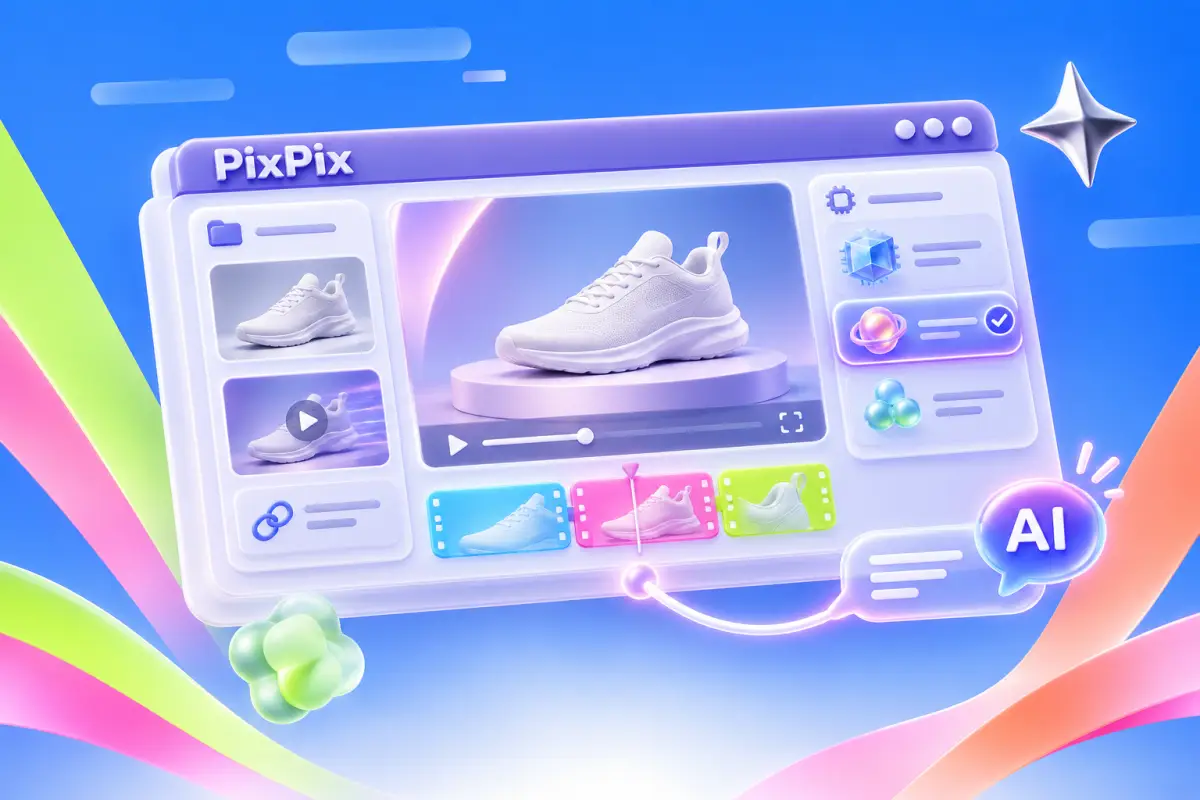
One workspace
Prepare assets, choose a model and continue refining in one place.
Reference-led creation
Bring a reference video, describe the shots and rhythm you like, then add your product.
Creator content
Put your product into a natural demonstration with actions and dialogue that add context.
Product scenes
Try lighting, backgrounds and settings from product images, then extend a strong direction into motion.
Reusable assets
Carry product details, references and creative direction into the next piece of content.
Video refinement
Use supported video editing modes to adjust a subject or scene and compare versions.
Different creative tasks have different starting points.
Organize product, person, movement and sound references into a connected story.
Learn moreSeedance 2.5Describe action, camera movement and audio together for your product film.
Learn moreMiniMax H3Use lighting, movement and sound to build detailed scenes from text or images.
Learn morePix V 视频 3.1Connect product or character references with performance, sound and storytelling.
Learn moreKling 4.0Direct natural actions and lifestyle moments with supported image references.
Learn moreHappy Horse 1.1Explore supported video editing to adjust scenes and visual direction.
Learn morePix O 全能视频闪电版Bring your product and a clear idea. Make something worth watching.
What to know about assets, models and creating your video.
Yes. Start from text or product photos. You only need a video when using a video reference or editing an existing clip.
You can explore motion from one image. Clear multi-angle references provide more guidance; always review the generated shape, packaging and actions.
Models and modes that support native audio can generate dialogue, sound effects and ambience. Check the available audio options in the workspace.
Consider your task, reference material and delivery needs. Explore Seedance for multimodal direction, H3 for action, Pix V 视频 3.1 for sound-rich scenes and Kling 4.0 for reference-led storytelling.
Supported video editing modes let you continue from a clip and new instructions. Creating a new video from a reference is a separate workflow from editing the original.
Credit costs vary by model and settings. Check the estimate shown in PixTV before generating.
Check packaging text, colors, product shape, hands, movements and any claims against your actual product. Review sound and continuity before publishing.
Review the current PixTV terms and the selected model’s usage rules. Make sure you have the necessary rights to your uploaded images, videos, likenesses and other references.